

- tbf cards
- Birthday cards
- How to send an ecard
How to send an ecard
Choose a card, add your own words and select how the recipient will receive it. Check the address and opening time before paying.
On tbf, you can schedule an email or copy the reading link into your own message app.
Create a cardRead a sample card
£2.99 per personal card. Pay when you create it.
Published · Updated
By tbf cards

How to send an ecard: checklist
Select Just from me for your own card. Use From everyone when you want other people to add their contributions.
Choose a cover and enter the recipient's name. Add your own words and any photos you have permission to share.
Check the date, time and time zone. Sending a reading link early does not open a card ahead of its selected time.
For scheduled email, check the recipient's address. For manual sharing, keep the reading link ready and send it yourself.
Which address goes to which person
| Situation | Choose | Check |
|---|---|---|
| Invite people to contribute | Writing link | Share it with the people signing the group card. |
| Give the card to its recipient | Reading link | It opens the card after its selected opening time. |
| Change the arrangements | Organiser link | Keep this private; it controls the card. |
Planning checklist by tbf cards. Product controls checked on 13 November 2026.
Before you send
Read the recipient's details once more. A correct name does not make an incorrect email address safe to use.
A browser and internet access are needed. If the recipient rarely uses email, agree a delivery method they actually check.
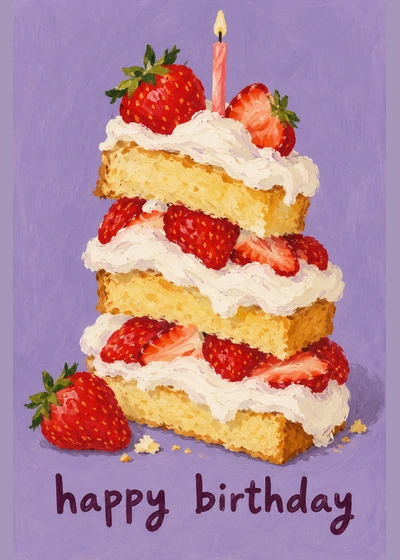
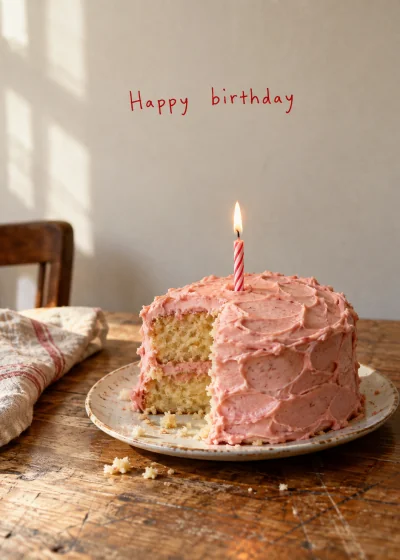
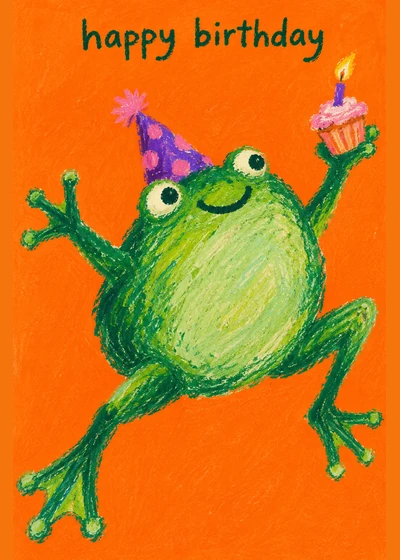
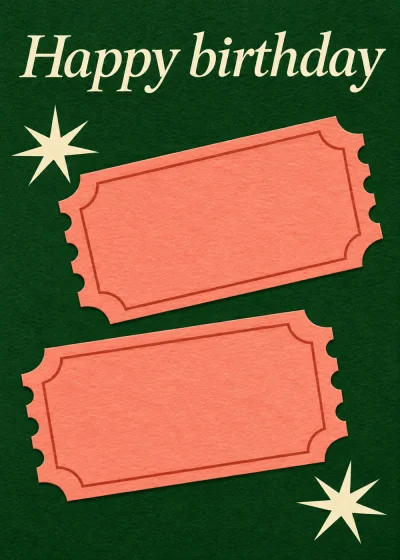
Pick a design






Questions
Does the recipient need an app?
No tbf app is required to read the web card. They open its reading link in a browser.
Can I send an ecard today?
Yes. Choose today's date and check the opening time before completing the order. A group still needs time to contribute.
Will tbf send a text for me?
No. You can paste the reading link into a text yourself. Scheduled delivery uses email.
Somebody has a day coming up.
£2.99 per personal card. Pay when you create it.